📅November 15th, 2006
This is a game of Tetris written in x86 assembly, in a personal effort to learn more about the instruction set. It uses mode 13h for all drawing, writing directly to address 0xA000 to plot. The index written for each pixel determines the color in a 256-indexed color palette.
It uses DOS interrupts for other functionality like random number generation, and keyboard interaction. For random numbers, it uses the modulus of the current system time. The game keeps going until pieces reach the top of the screen.
The keys i,j,k, and l (or arrow keys for the Win32 version) are used to move the pieces.
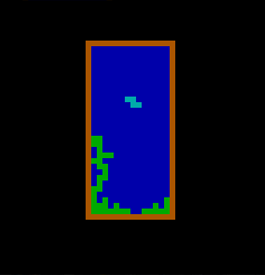
In the normal way, rows are cleared when pieces occupy the entire row with no holes.
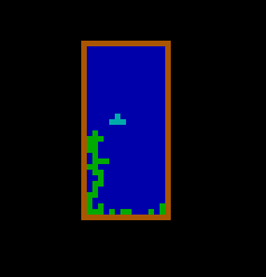
The form of each 'tetrad' (piece) is hardcoded at the top of the source file, and used for drawing the grid and checking for collisions. The walls of the game are fixed. An array called 'predict' is used to foreshadow where the user is trying to move the tetrad, so that it cannot be moved through a wall or other landed pieces.
After every 'tick' of the game, the current tetrad in play is moved down by one square if possible, or committed to the grid if there are other pieces blocking the way. The game determines the timing using an interrupt, and advances the game after 10 time units, which is around every half a second.
Download binary (DOS com executable)
The source code was assembled using the A86 assembler.
-----------------------------------
Update (5/14/2018): Since the time of writing and building this program, the binary has rotted 🙁
However, I ported the code to Win32 with GDI and built it as a 32-bit PE executable.
Here is a post about the porting process.
Here's the newly updated Windows version:
Download binary (32-bit Windows executable)
The Win32 source code was assembled using MASM.
View Source File or Download Visual Studio 2018 Project (zip)
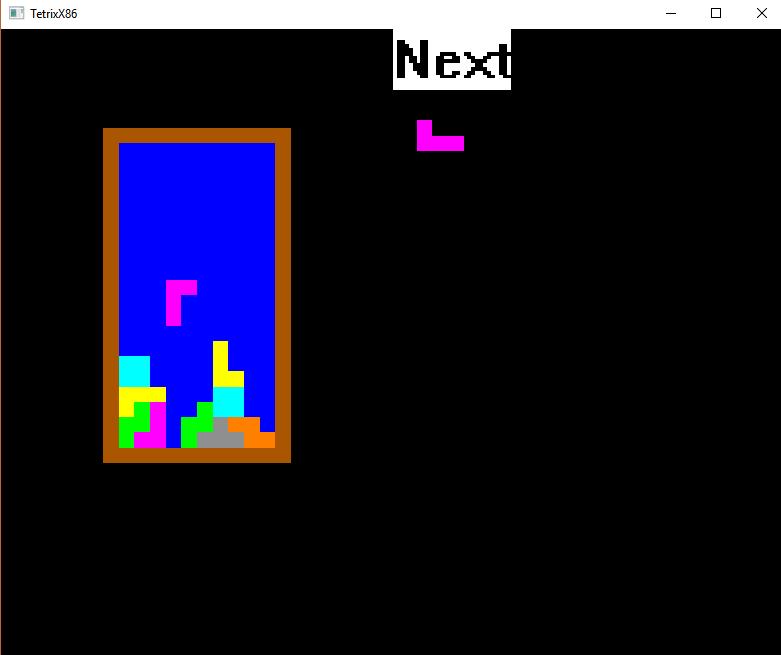
The Windows version also has the following changes:
- Different colors for the different pieces
- Fixed a bug where rows would sometimes not get cleared correctly
- Added a 'next piece' UI
- When you get game over instead of crashing it displays a message and you can press Escape to start again
Besides i,j,k,l you can also use the arrow keys.
📅June 9th, 2004
This is a school project. Used Visual C++ 6.0 with MFC. At the time I was trying to do two things: learn C++ language, and Windows programming. I ended up getting a good mark on the project. It was scoped to something I can do in the time constraints.
The program was made to look like SimCity for the SNES which is a game I liked playing at the time.
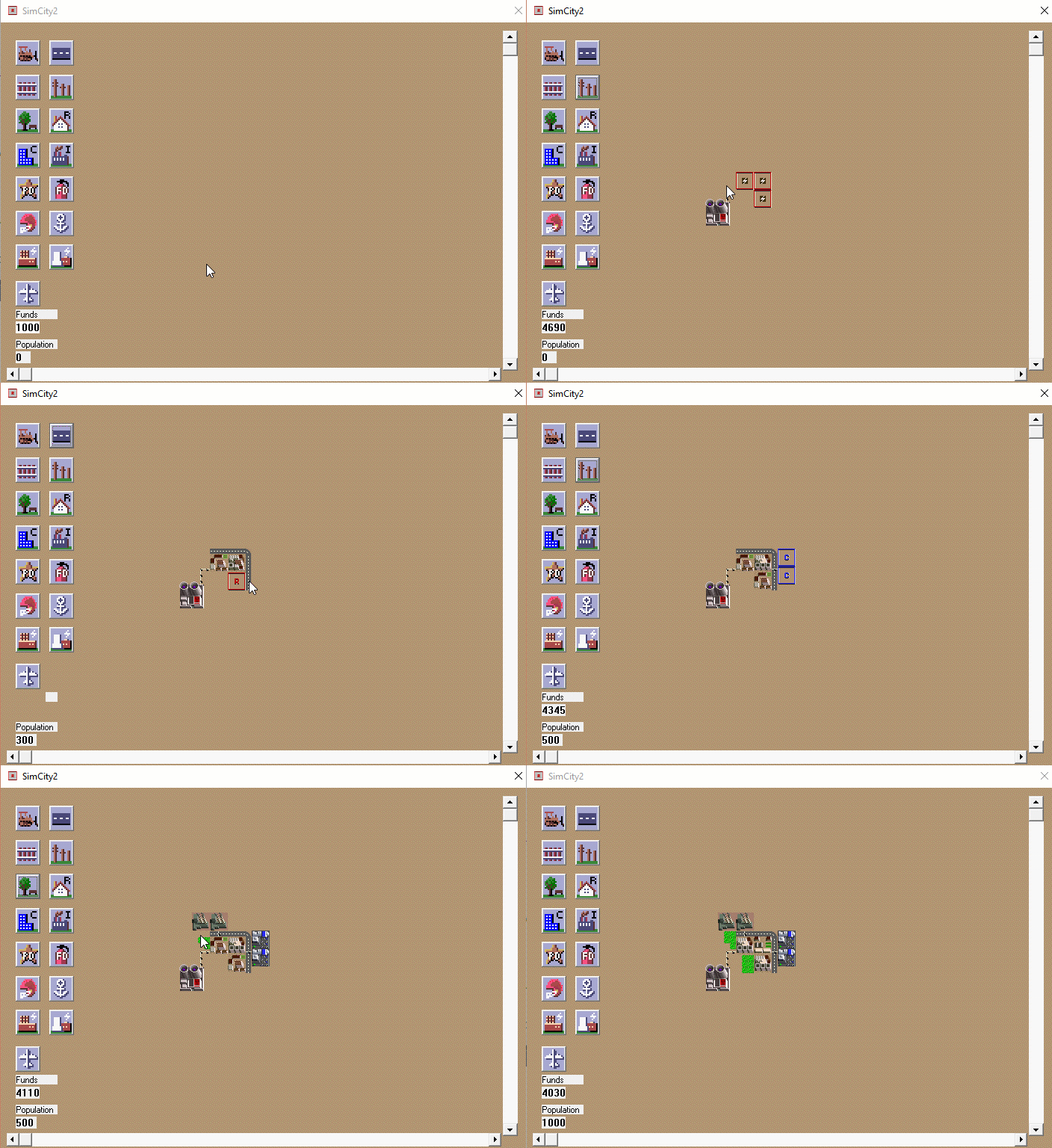
Find it posted here: https://github.com/clandrew/SimCityMfc
📅November 8th, 2003
An old contest question.
Taken from this forum post--
http://compsci.ca/v3/viewtopic.php?t=2192
The question
A spiral of numbers can start and end with any positive integers less than 100. Write a program which will accept two positive integers x and y as input, and output a list of numbers from x to y inclusive, shown in a spiral. You may assume that the end value is greater than or equal to the start value.


A spiral starts with the first number in the centre. The next number appears immediately below the first number. The spiral continues with the numbers increasing in a counter-clockwise direction until the last number is printed. Read the input from the keyboard and display the output on the screen.
Sample session:
Start value:
10
End value:
27
27 26
16 15 14 25
17 10 13 24
18 11 12 23
19 20 21 22


Start value:
10
End value:
12


12 11
7 10
8 9
In Object-Oriented Turing, the solution:
var start, finish, r, c, counter, i, rchange, cchange : int
get start, finish
r := 13
c := 40
counter := 1
i := start
rchange := 1
cchange := 4
loop
exit when i >= finish
for j : 1 .. counter
locate (r, c)
if i < 10 then put " ", i .. else put i .. end if exit when i >= finish
i += 1
r += rchange
end for
for j : 1 .. counter
locate (r, c)
if i < 10 then put " ", i .. else put i .. end if exit when i >= finish
i += 1
c += cchange
end for
rchange *= -1
cchange *= -1
counter += 1
end loop📅November 10th, 1999
A logic puzzle.
The Pillon Robbery
It was pouring with rain that Saturday when Glen Roberts searched his garage for the tool he needed to fix his convertible roof. It wasn’t there, so he decided to look for it later and went back into the house.
The phone rang. He picked it up and it was his friend, Paul.
“Did you hear about the robbery?”
“…..No.”
“The Pillon family across the street was robbed.”
“Really? Who did it?”
“The police don’t know yet. I bet the thief is rejoicing right now, though, getting away with something like that. That family has always been rich. I guess unless they find the criminal, the Pillons will turn out like my family, in financial trouble, I mean. We’ve never been too well off.”
“Well I know, but I can’t relate. Anyway I need to go, maybe I’ll see you later.”
He then heard the doorbell ring and went to answer it. It was the police.
“I’m officer Miller. I’m going to ask you a few questions having to do with the robbery at your neighbor’s house. First of all, do you know about it?”
“Yes. My friend told me.”
“Have you seen anyone suspicious around lately?”
“No, I haven’t seen anyone like that.”
“Where were you today?”
“ I was just driving around, shopping and running errands.”
The police officer paused and looked like he was thinking. He then went to his car and got another police officer and they arrested him.
Why did they arrest him?