📅January 9th, 2026
Suppose you know what your life is missing and that's Windows 98. You like the tactile feel of an actual machine. You don't want to use an emulator or a VM.
The good news is: yes, you can still set this up today. It's good to know what works and what doesn't, or what takes some effort.
This post describes a couple aspects of setting it up- drivers and networking- and what you can expect.
This is all general computer literacy tasks, not programming. Some of it isn't super obvious so I'm writing this for anyone that needs it.
Drivers
People don't like hearing this, but you'll have a lot better time using compatible hardware that could have reasonably shipped with Win 9x.
As in, hardware released at the time. Yes, you do see a lot of videos of "I set up Win95 on this new laptop", "I set up Win9x on this new gaming PC in a separate partition and got it enumerated in the bootloader", "Look, it works on this pocket organizer!" and it looks very impressive. There's one detail you'll usually see in those videos: they ONLY get so far as booting the OS. Maybe launch Paint and Calculator. They don't use network features, they don't use graphics acceleration, they might not even try to play sound, half the buttons don't work. They do horrible hacks, make delicate changes to system.ini, autoexec.bat, config.sys, try to fool the OS into enumerating different hardware caps. And they succeed, by some measurement of 'success', which is just booting the OS.
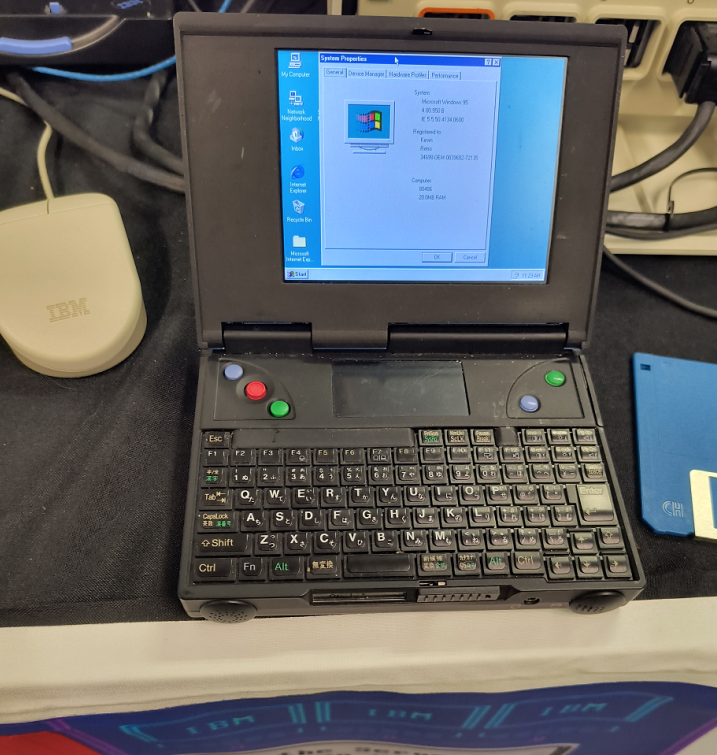
If your goal is just booting the OS and none of that other stuff, great.
If you want to use, say, really use the computer- use network features and connect to the Internet, you'll hit a wall. Use a non-PS2 mouse, you'll hit a wall. Potentially use the CD drive, you'll hit a wall. If you want to use the machine in any real way, you're limited. The OS doesn't live in a vacuum and it ultimately needs a way to talk to the hardware, and the inbox default drivers from the 90s are not future proof in the way you might be hoping. You probably want graphics, sound, network features from your hardware and those require drivers. Newer or unsupported hardware will not have Win 9x drivers and it is MUCH harder (technically possible sometimes but significantly harder) to hack your way to success around this.
Instead, why not go 100% immersion and use contemporary hardware?
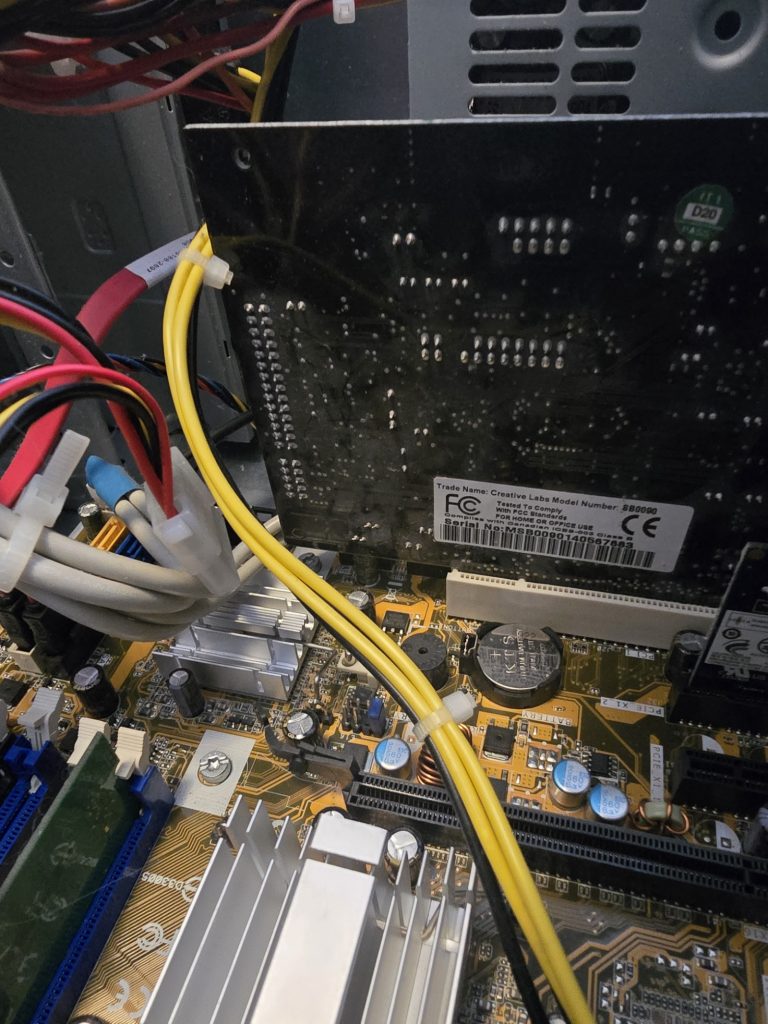
Get a Sound Blaster, get PS2 keyboard and mouse, get an old network card, get an old Voodoo, whatever, doesn't matter, get a low spec machine. I know it's a pain and there are some costs to doing this but you'll have to do way fewer hacks, and life will be better.
Wi-fi
Not strictly necessary, but it is nice to get some form of Internet connectivity. Depending on the layout of your home, you might not want to run a gigantic ethernet cable. The appealing option is wi-fi, then. You will have trouble using a real wi-fi dongle since there's unlikely to be compatible drivers. Also, in the OS, you'll notice Win9x can be configured against dialup and LAN and that's pretty much it. Any level of getting the OS to understand wi-fi directly needs to be provided by a driver. It will be hard to find that.
Fortunately, there's an actual connectivity method that's pretty easy.
Get one of these really inexpensive adapters that plug into an ethernet port, so your computer thinks it's LAN. Something like this.
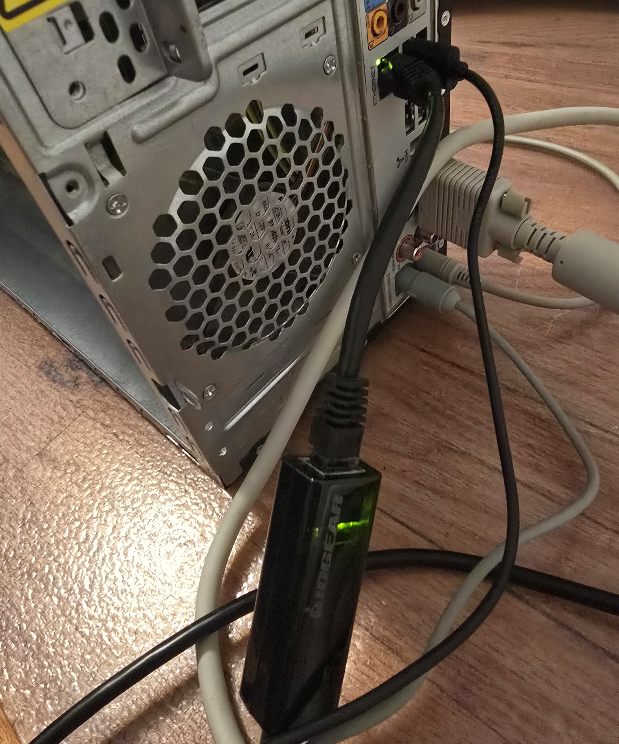
The connection to the computer is LAN, but the connectivity to the internet is over wi-fi. You set it up in a local gateway, set up the SSID and password there as needed, then tell the OS it's ethernet, done. Of course do this at your own risk, there are risks using any kind of internet adapter product plus some others mentioned below. This method is generally pretty easy and in fact, you can do it this way for pretty much any old device that only supports Internet over ethernet.
The Web
There's the actual question about what to do once you're online.
This question holds regardless of whether you connect over wi-fi or some other way.
Maybe you want to view web sites in a browser. This, I think you shouldn't try it. It's possible but not worth it. I'll explain why.
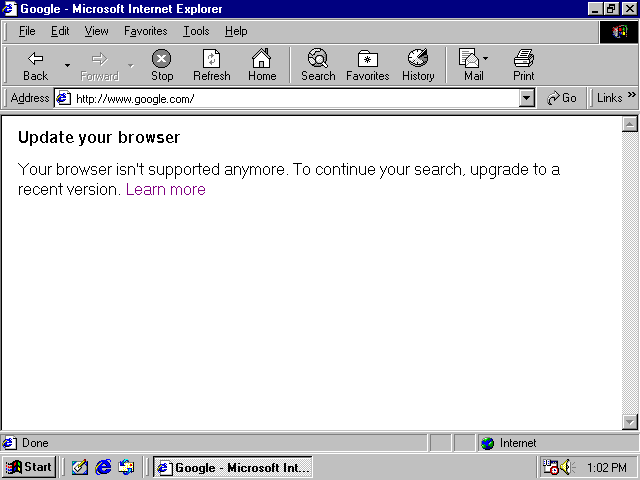
There are a couple obstacles keeping your old Win9x box from browsing the modern Internet. For example, if you try Google:
Or Wikipedia:
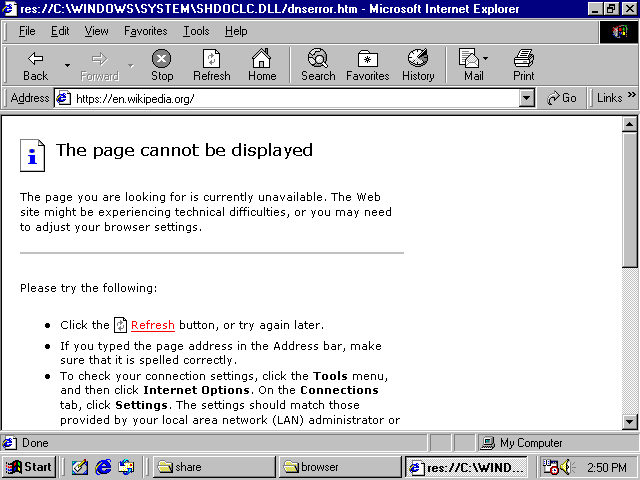
They don't load, and it's because of SSL.
Tilde.club does not use SSL:
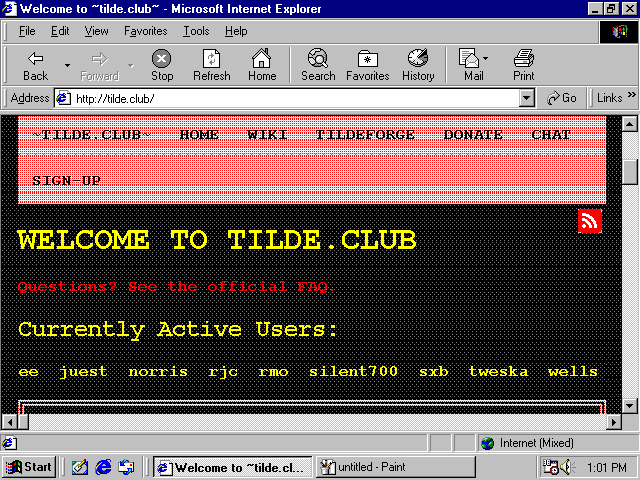
So it works but just looks a little screwy.
The inbox browser with Windows 98 is Internet Explorer 6. Some level of SSL can be enabled with Internet Explorer 6 as an optional feature or you can get it through other browsers. Still, it's not enough. SSL/TLS is not a yes or no. There are different versions and different encrypted key sizes and IE6's optional feature gives you only the most basic one. Other browsers will get you only slightly further along and that's it.
The exception is web sites that don't use SSL at all- there are only a handful of "WWW1" style sites around anymore, like tilde.club, and sometimes visiting them pops up all kinds of warnings in people's modern web browsers so they get avoided.
Note: People always talk about web pages as a platform as if they have this timeless works-everywhere quality. As if compat is king, compat was the utmost priority, and nobody ever deprecates older hardware.
Except, it's not true. The complete deprecation of old hardware has happened already.
The deprecation was for a good cause, to be clear. Without SSL, you're vulnerable to man-in-the-middle attacks. Someone could, say, set up their laptop at a coffee shop and create a hotspot for people to log into, and when you log into it, they can eavesdrop on credit cards, passwords, personal data, even change the communication that is sent to you or from you to others. But with SSL, this becomes a lot harder to the point where it's generally not done, and 'hacks' use some other mechanism. Despite what Youtubers shilling VPNs for 'security' will tell you, SSL by itself is actually very real and effective. The main benefits of those kinds of VPNs are usually location spoofing not security.The security you have through SSL is effective against many kinds of threats, coming at a cost of deprecating old hardware.
Second, the modern internet may be locked away from you because of the raw computation needed to load most pages.
The minspec for the modern internet has significantly risen over time. And if you followed my setup advice and used old, contemporary hardware, the good news is that you can get your computer working- yet, it may be too slow in terms of computation. It's a trade-off. I still claim the slower hardware is worth it, but that's the trade-off.
You can look at the raw disk size of the downloaded parts of modern web pages to get a sense, and imagine the computation needed to parse client-side scripts that size. In a fully advertising-driven Internet where web sites are playing with cat-and-mouse with ad blockers, web sites have nested divs upon nested divs with insane amounts of client-side processing. And no one is writing minimal, static pages anymore, even if those could deliver the same functions. Simple pages with a menu and a splash screen use HTML5 canvas, virtualized scrolling, and modal dialogs have changed from 'physical' (actual new pop-up windows, that create a new browser window) to 'virtual' (a fake window with an 'X' button overlayed on top of the page). Web site design is very tangled up with fashion, fashion changes, you don't want your web site to not look cool, and the fashion changed in favor of forcing us to buy new computers.
That's why if you connect your Win9x box to today's modern internet straightforwardly, you will have trouble viewing most web sites, even fairly minimal-looking ones if they are modern, and sometimes even if they aren't particularly modern.
With that, my recommendation is to
- Take a deep breath
- Make peace with the fact that while you can connect to the internet, web browsing is not really accessible to you. Use the internet for things which are not in a web browser.
When people say they want to functionally get web browsing on Win98, I think they're misrepresenting things. Because in actuality, they want to travel back in time to use and view the web sites from back then.
Like, say you want to re-live an old online multiplayer game. With some effort you can functionally run the game. But then you log on and there are no other players. Is that really what you wanted?
Unlike local computing, the internet is full of the content of other people. Your experience depends on that completely.
You could think of the internet beyond web browsing. Your Win98 box could use it more for file sharing without having to write disks or CDs or set up a serial cable. That's super useful. I think a giant struggle to access a partially functional modern internet through Windows 98 is not really worth it. That's my opinion on it though.
Tunneling
If you still need some form of web browsing and will stop at nothing, there are a few options that rely on, basically, tunneling through a 2nd computer.
If it'd satisfy your craving, you could use a service like protoweb to access some curated selections of old sites from IE6.
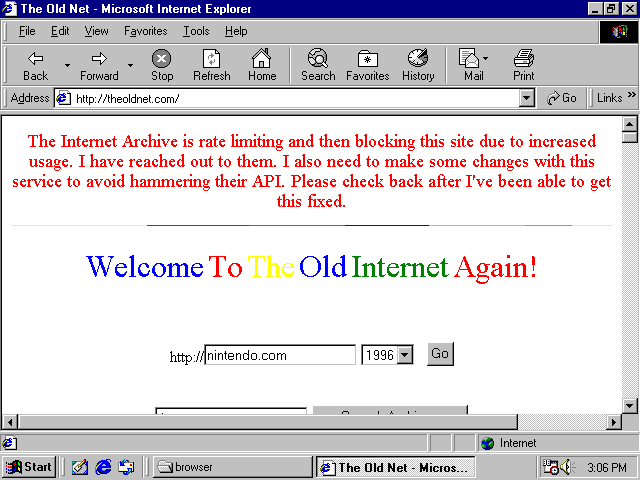
Or you can use a portal like http://theoldnet.com, which does tunneling of some pre-blessed sites like Internet Archive and Wikipedia for you.
If you want to access any arbitrary site, a way to get pretty functional web browsing on Win9x OS today is to tunnel SSL content through a local web server that you own, and that local web server understands SSL. Then it sends back a page with no SSL to your retro machine.
For example, with this: https://github.com/snacsnoc/windows98-ie-proxy
Of course you need to make sure the connection between the Win98 box and the web server is trustworthy and be aware of security implications as you come across them.
That fixes the SSL part. It may only partially fix the 'lack of compute power' part, but is likely to be good enough.
Fun aside: Fujinet! to enable internet (not really web browsing) on very old 8-bit computers, people have simply been solving it in hardware+software, not software alone, through the Fujinet project which is very cool! I saw a demo of this at Vintage Computing Festival. You buy a hardware peripheral and plug it in and that provides the extra compute power for internet connectivity, among a whole slew of other things. For HTTPS it could definitely be used to view some text-based content.
The methods of accessing the internet through Windows 98 discussed here don't involve offloading processing onto a local peripheral but there is offloading is to a remote proxy if you want.
Security
There's additional nuance thinking about security in these environments. I already mentioned some things you need to consider when setting up internet.
You should know, and probably know already, Windows 98 doesn't really do separation of user privilege, everything is basically run as administrator. And more of the driver model sits in kernel mode. And no security updates for anything- neither in the OS, nor drivers. So in some ways, opening up your retro machine to the internet is dangerous and risky.
On the other hand, today's bad actors are not targeting Windows 98 systems. Today's browser malware likely won't be compatible with the web browsing solutions you're using. There are some common app vectors that get targeted- Discord, Teams, WhatsApp- those won't be running in this environment. So in some other respects it is not so risky.
And you probably aren't daily driving in it. Or maybe you are. Here is where I was going to make a joke here about doing your banking over telnet.